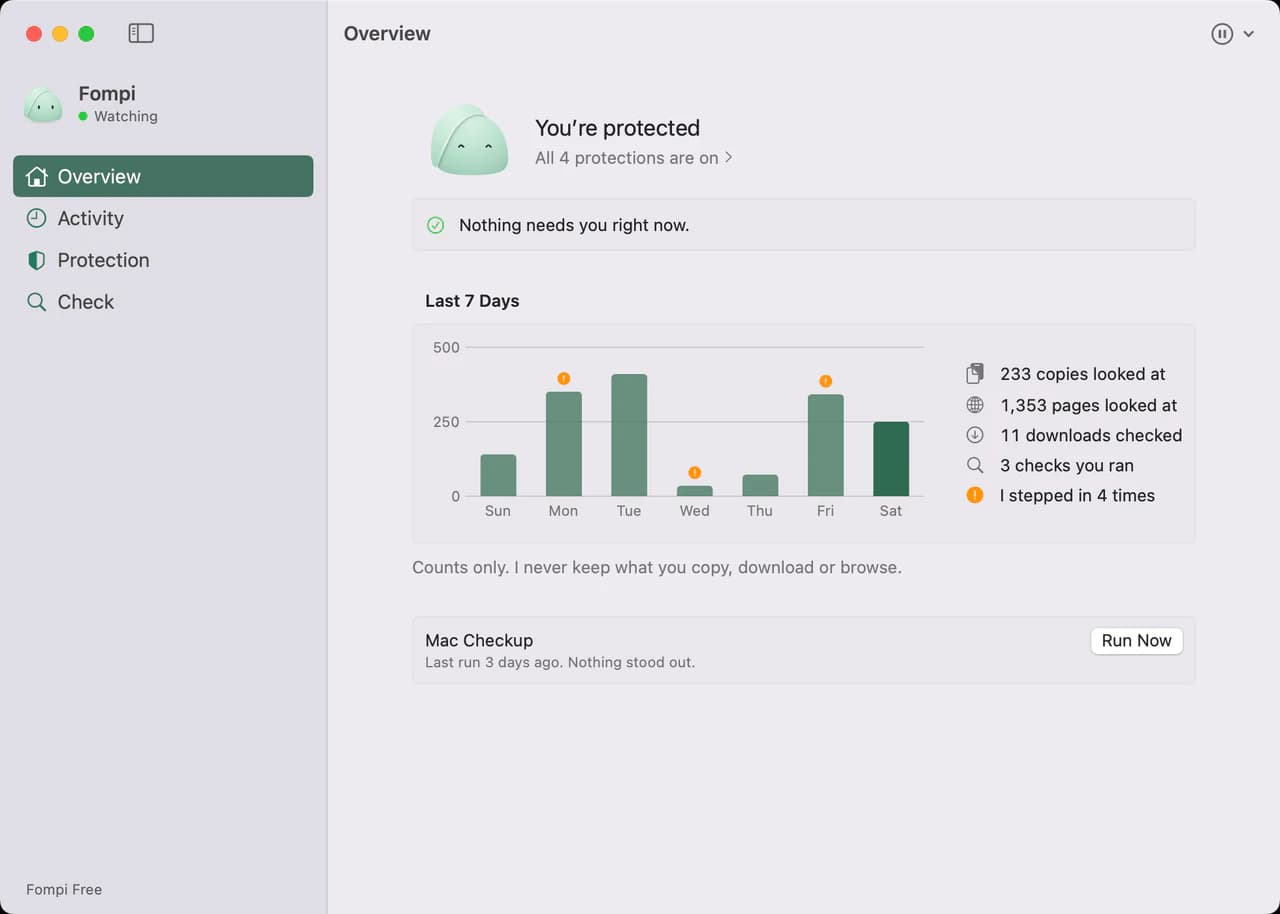
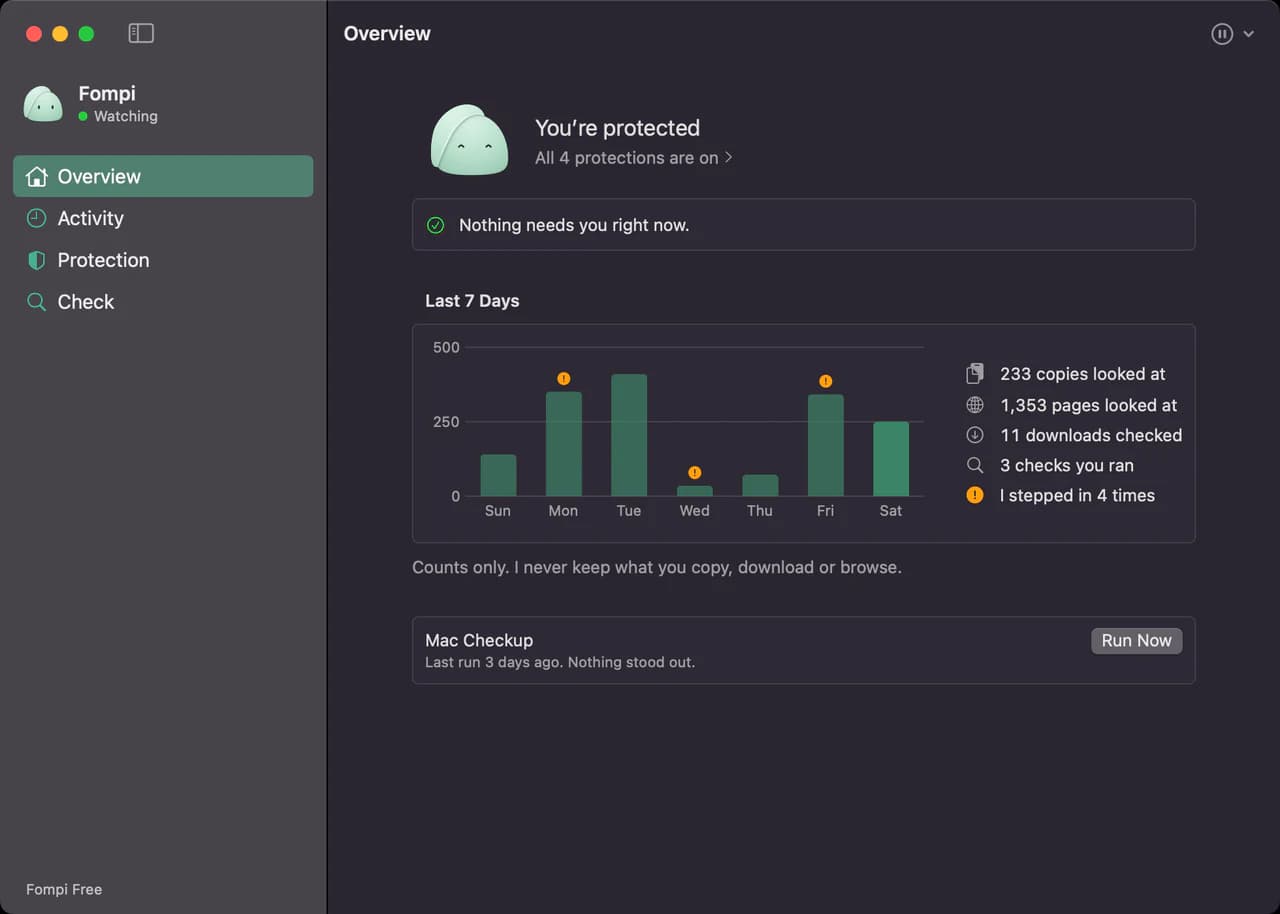
How Fompi protects you
What Fompi watches for, what it shows you when it speaks up, and why it runs on your computer instead of in the cloud.
People ask what Fompi does once it’s installed. Here’s the plain version.
It watches for the moment, not the file
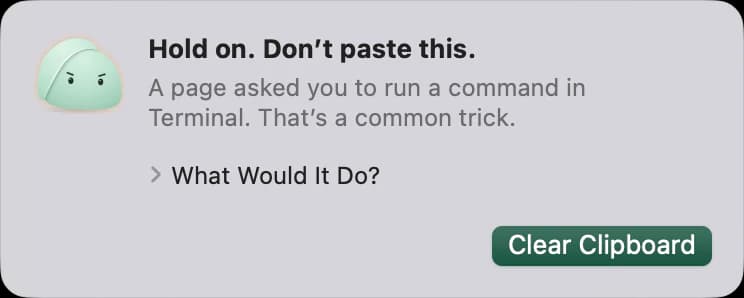
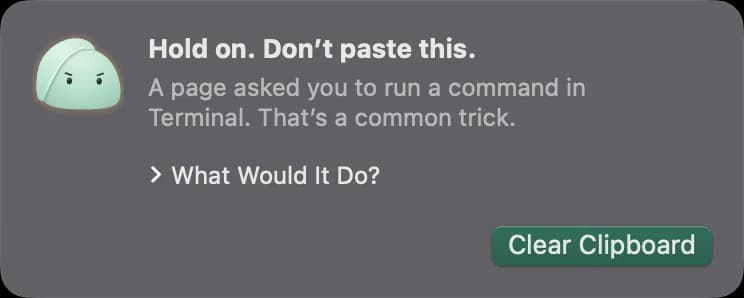
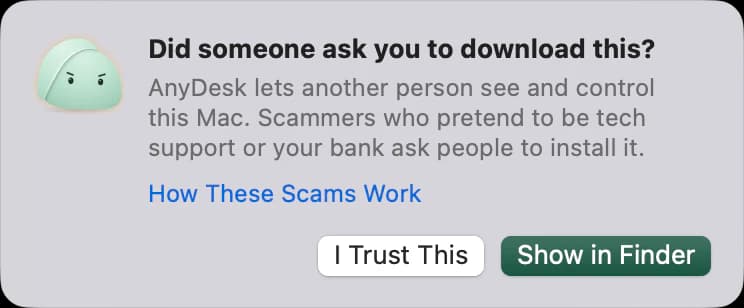
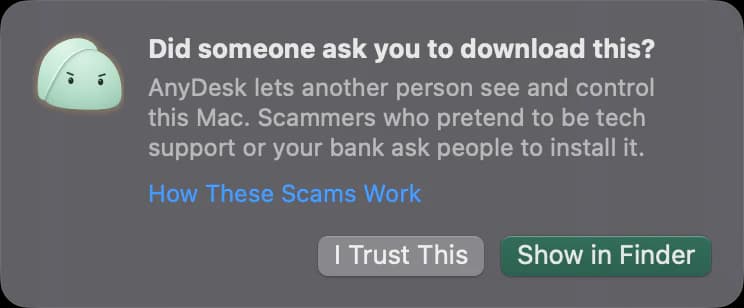
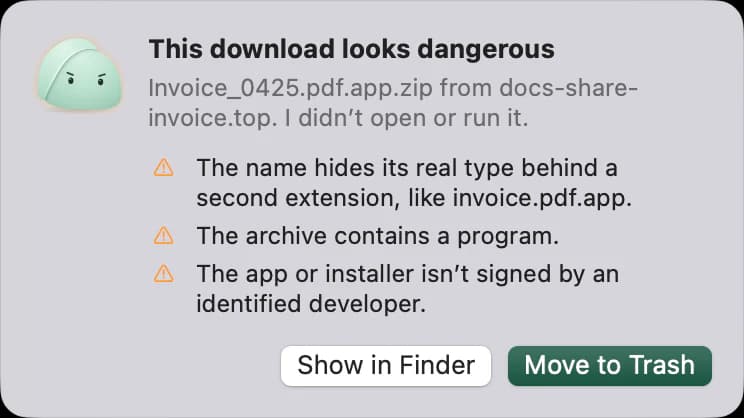
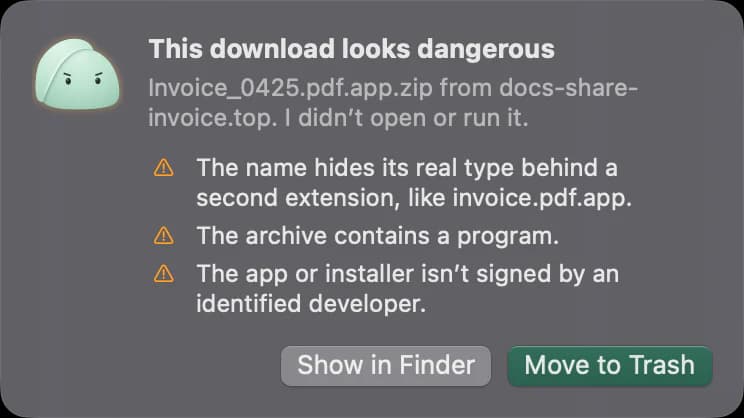
Antivirus looks for known bad files. Fompi watches for the moments when someone is walking you into a scam: a page that copies a command and asks you to run it; a remote access app that “support” talks you into installing during a call; a download that isn’t what its name says. Downloads Check is off until you turn it on. Fompi for Chrome, on its way to the Chrome Web Store, will warn about fake pages and lookalike sign-ins right in the browser.
It stays on your computer
Fompi’s checks run on your computer. Nothing it sees is uploaded to study you, build a profile or train a model. Fompi Free sends us nothing at all. The Pro trial and Fompi Pro send only what an account needs, your email address and the computer’s name, and never what Fompi sees.
It says what it saw, not what it guesses
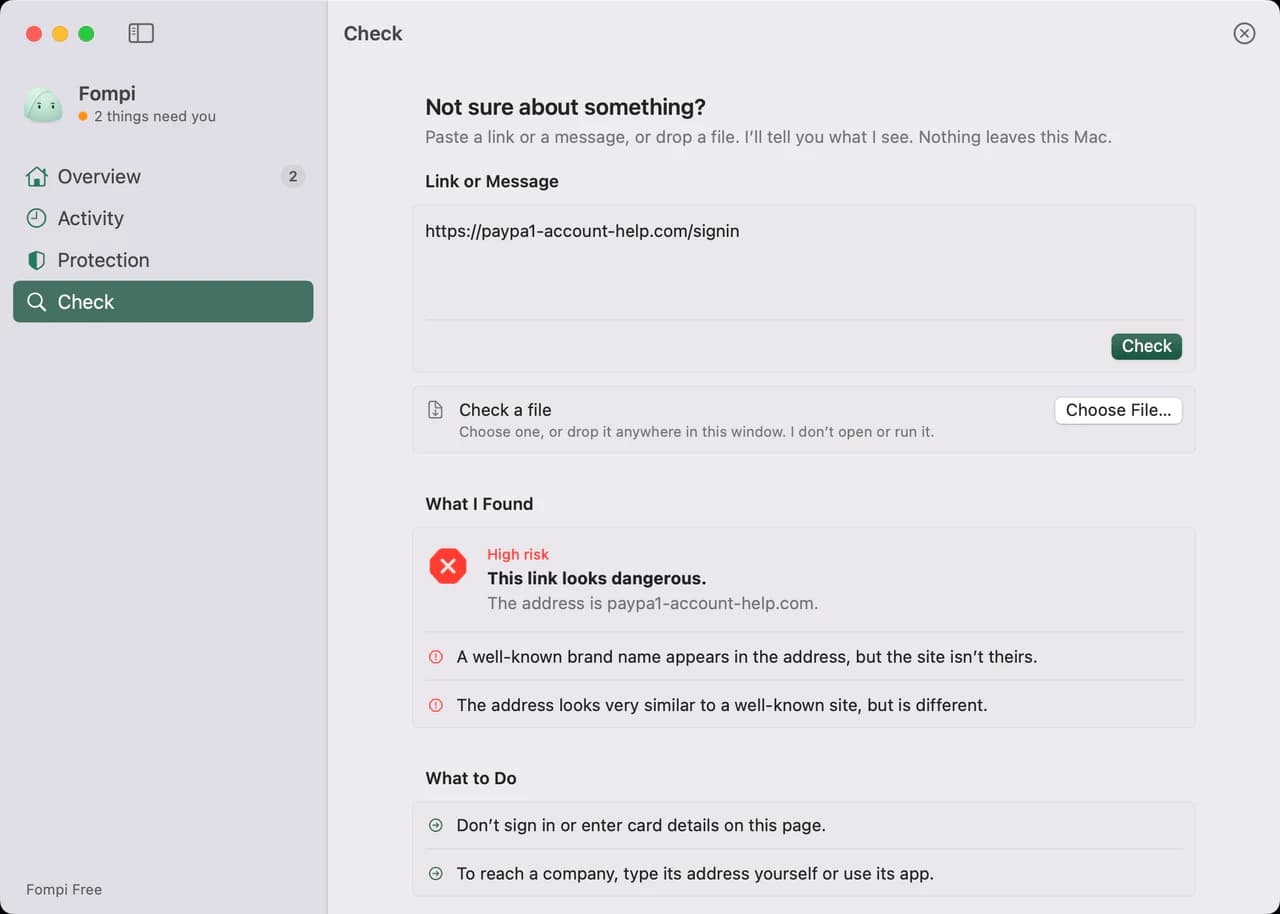
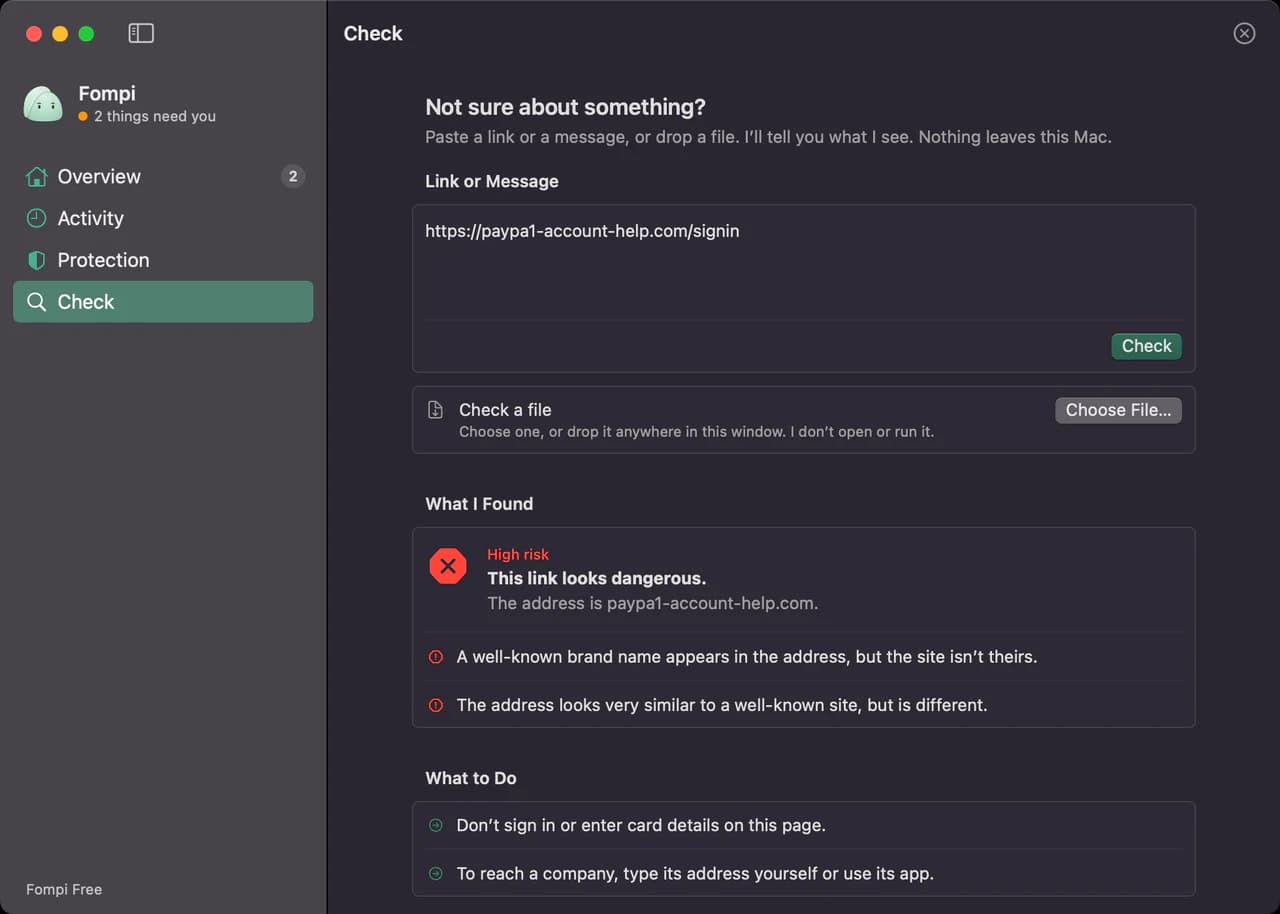
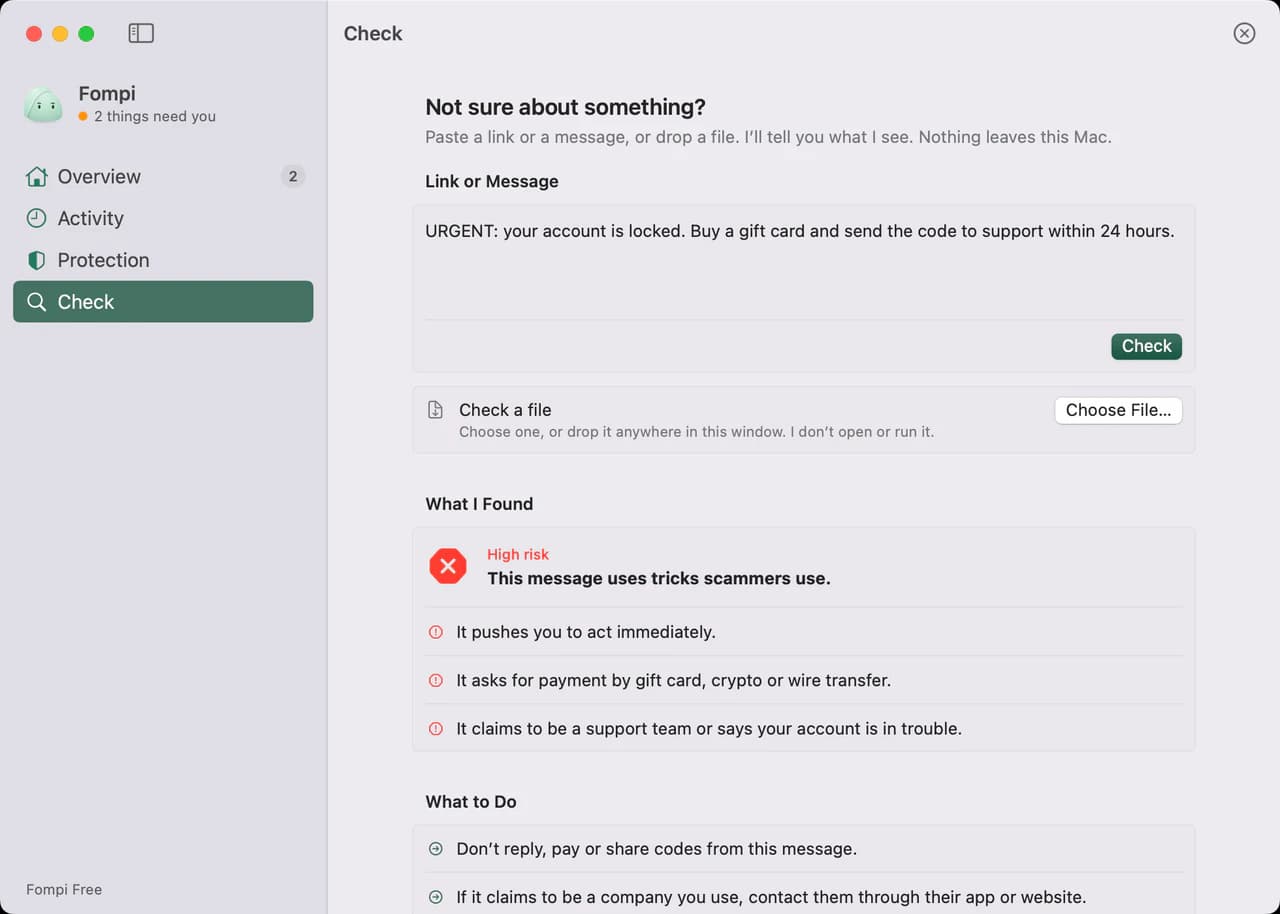
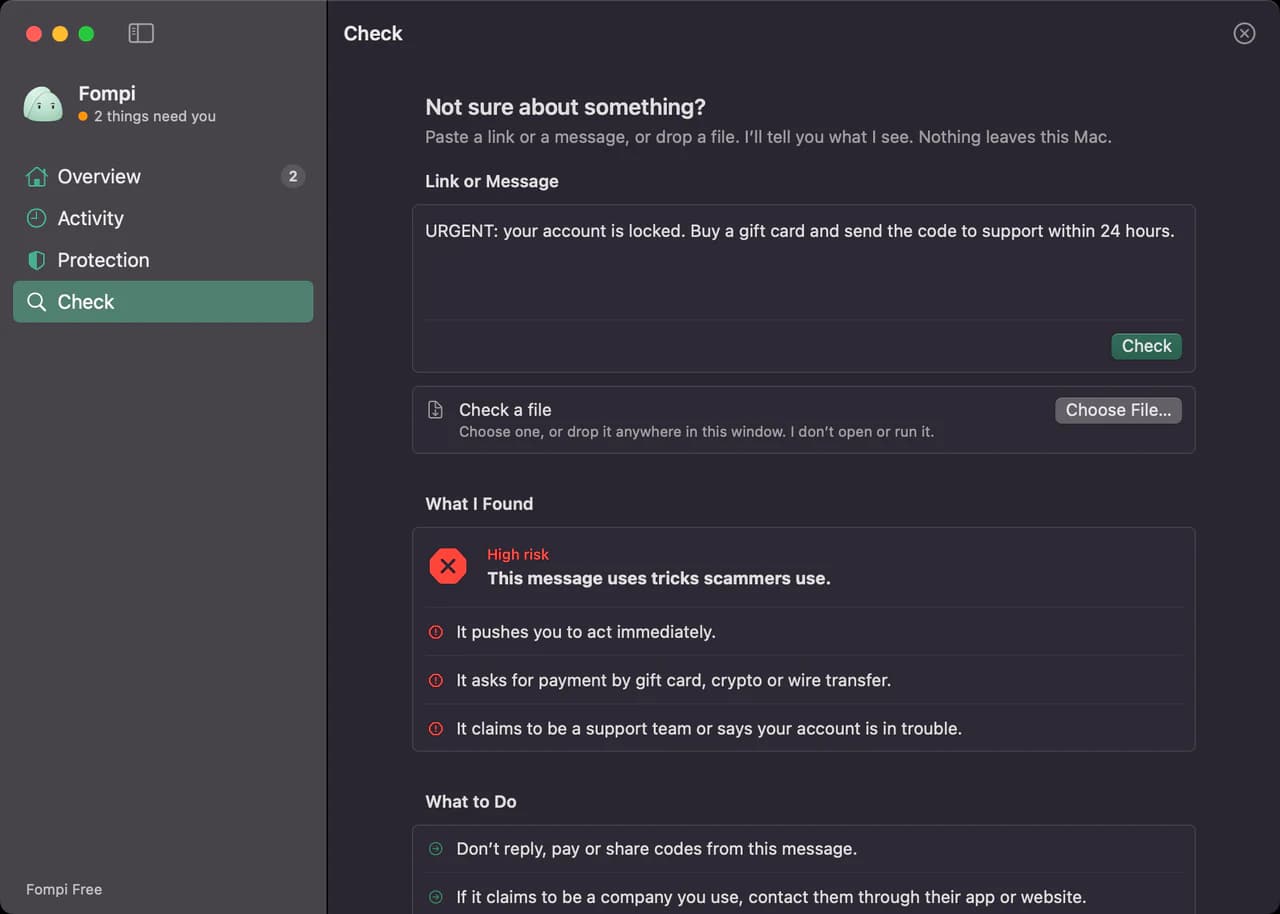
When Fompi flags something, it lists what it noticed and what to do next. When it finds nothing, it says so and adds that this isn’t a guarantee, because no tool can promise a link is harmless. Not sure about a link or a message? Paste it into Check.
Quiet until it matters
If there’s nothing to say, Fompi says nothing. No daily check-ins, no ads. When it does speak up, it’s short, specific and about something happening right now.