Fompi for Mac
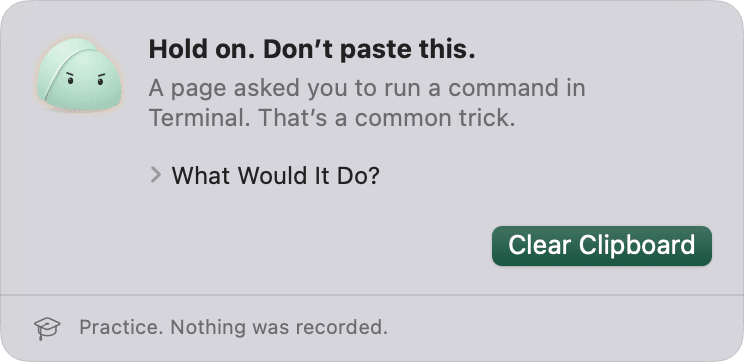
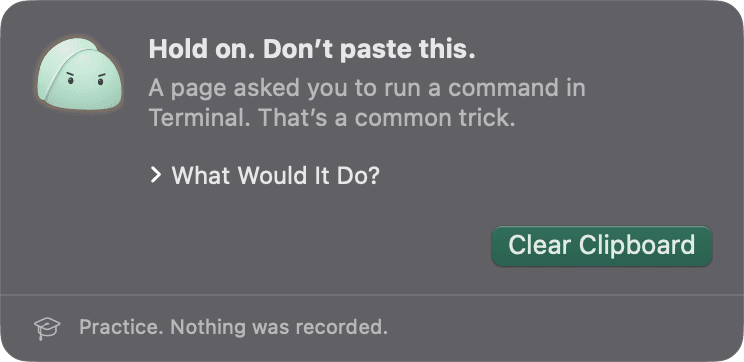
It watches for dangers in the moment, right on your computer, and keeps what it sees there.
Opening it the first time.
This early version is not signed by Apple yet, so your Mac asks you to confirm it once.
- Open Fompi-Mac.dmg and drag Fompi into your Applications folder.
- Open Fompi from Applications. macOS says it can’t check the app and doesn’t open it. Close that message.
- Open System Settings, then Privacy & Security. Scroll down to the message about Fompi and click Open Anyway, then confirm with your password.
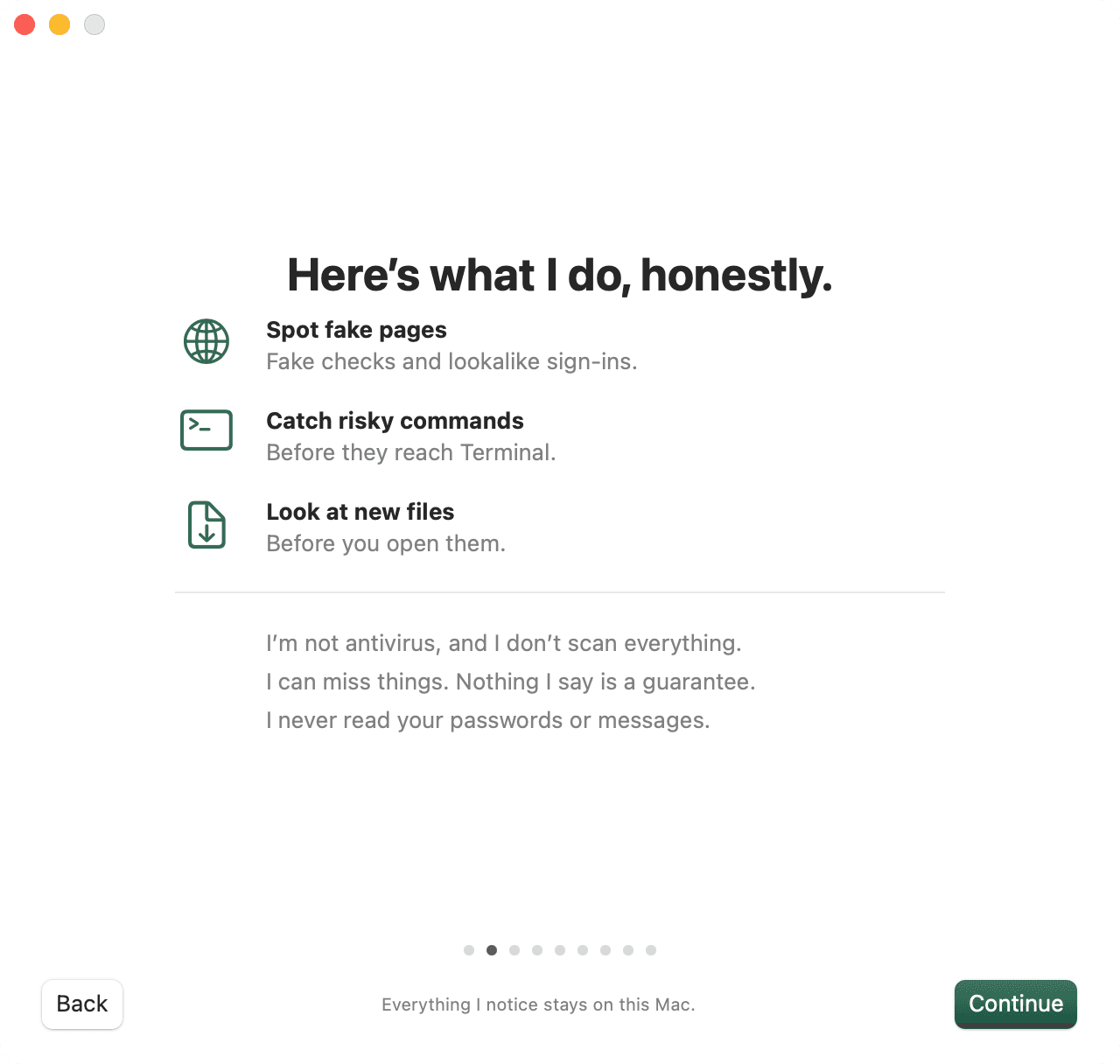
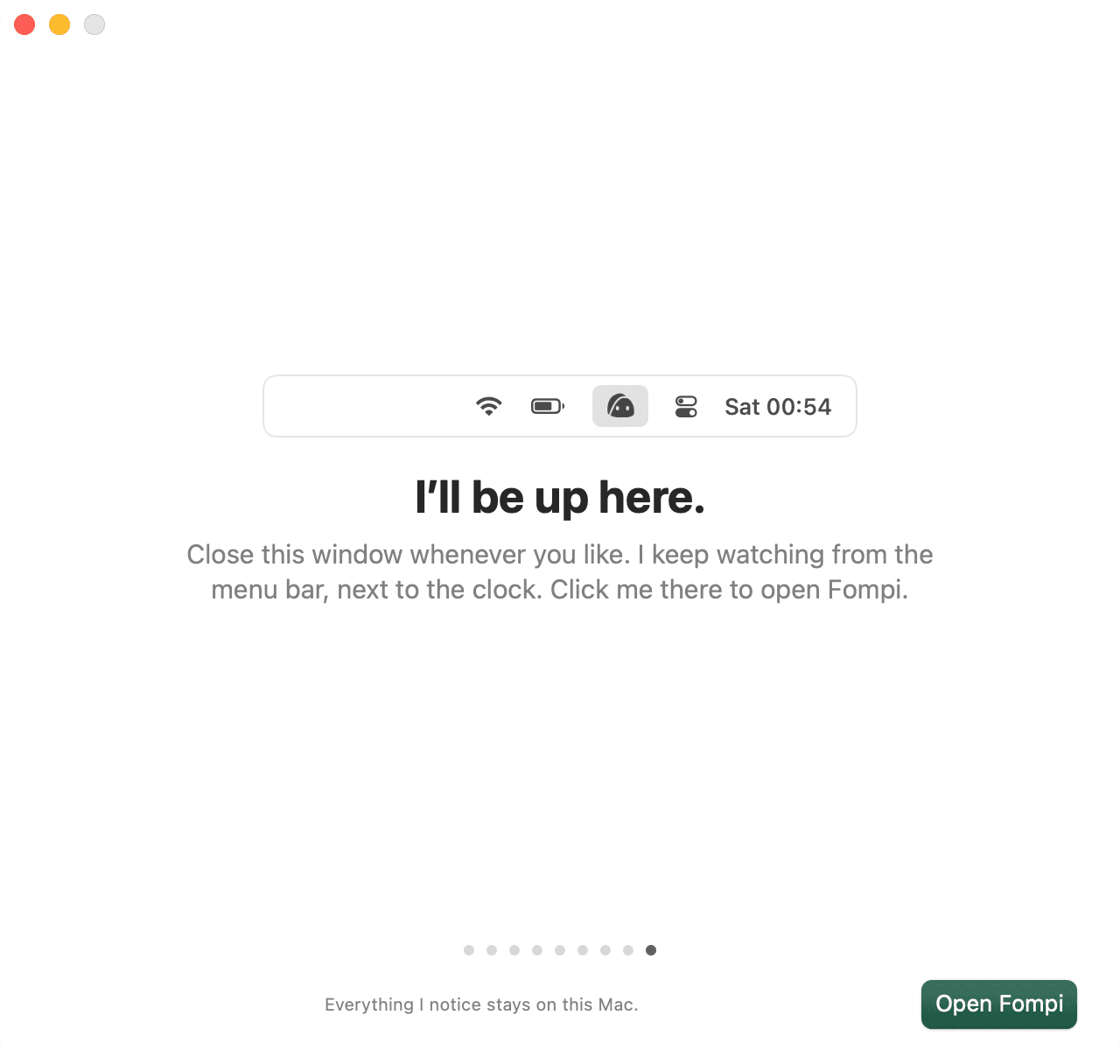
- Fompi opens and shows you around. From now on it opens like any other app.






Fompi for Chrome.
The Chrome extension arrives with its Chrome Web Store listing, which is on its way. Until then, skip the Chrome step during setup. The app works on its own, and you can add the extension later from inside it.
Still to come.
Builds signed by Apple and Microsoft, so the extra step above goes away. Until then, to update, download the new version here and install it over the old one. Your history and settings stay.
Mac: macOS 14 Sonoma or later, on Apple silicon or Intel. Windows: Windows 10 (version 2004 or later) or Windows 11, on x64 or Arm (Arm version).
Version 0.1.0, released November 6, 2026. To check your download, compare it with the SHA-256 checksums. Earlier versions are in all releases.