Introducing Fompi
Why we’re building a security companion that lives on your computer, and the moment it’s made for.
The scams that work best today don’t break in. They ask. They look like a security check, an invoice, a job offer or a call from “your bank”, and they wait for you to click, paste or type.
Most security tools step in afterwards: a breach notice, a fraud alert, a locked account. By then the money is gone.
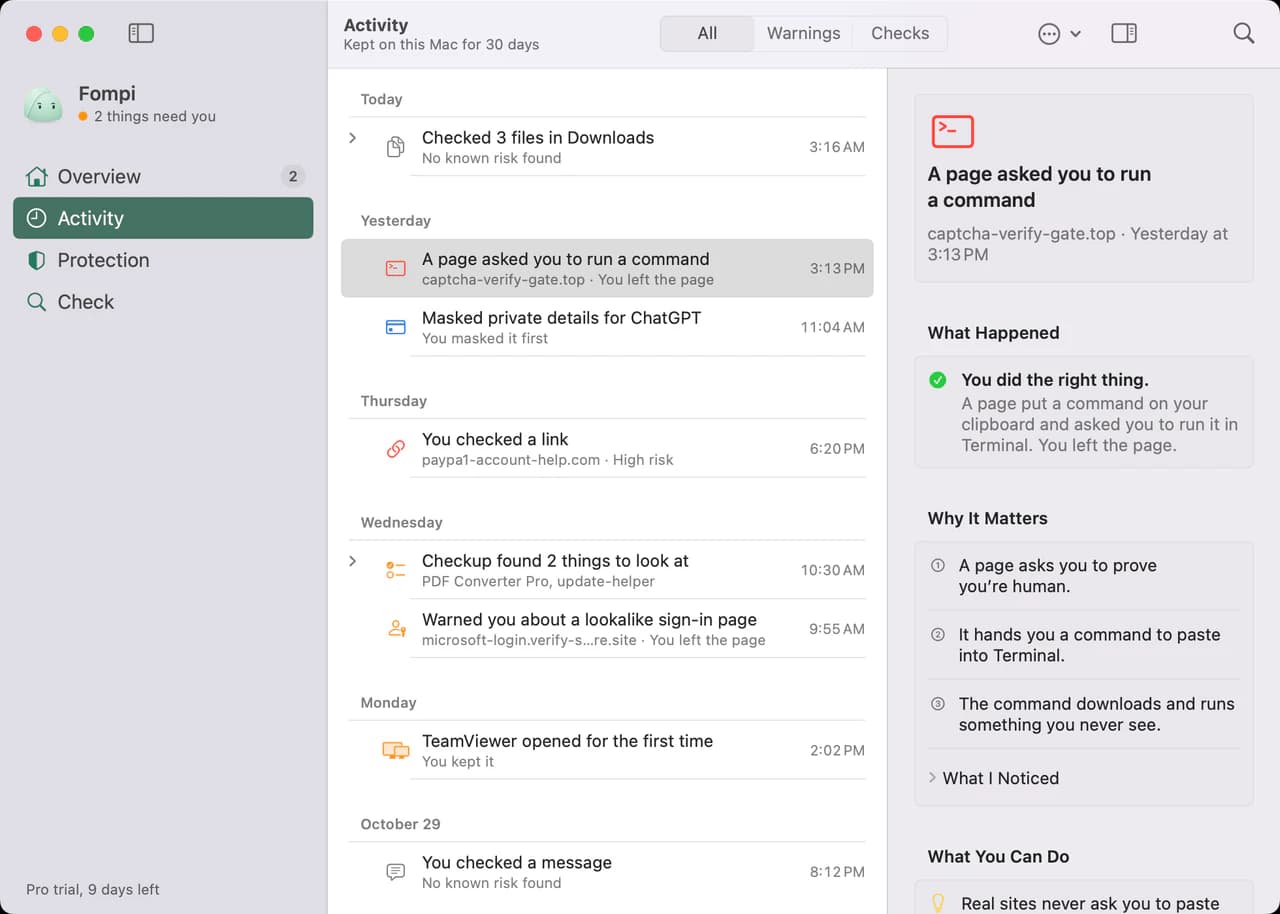
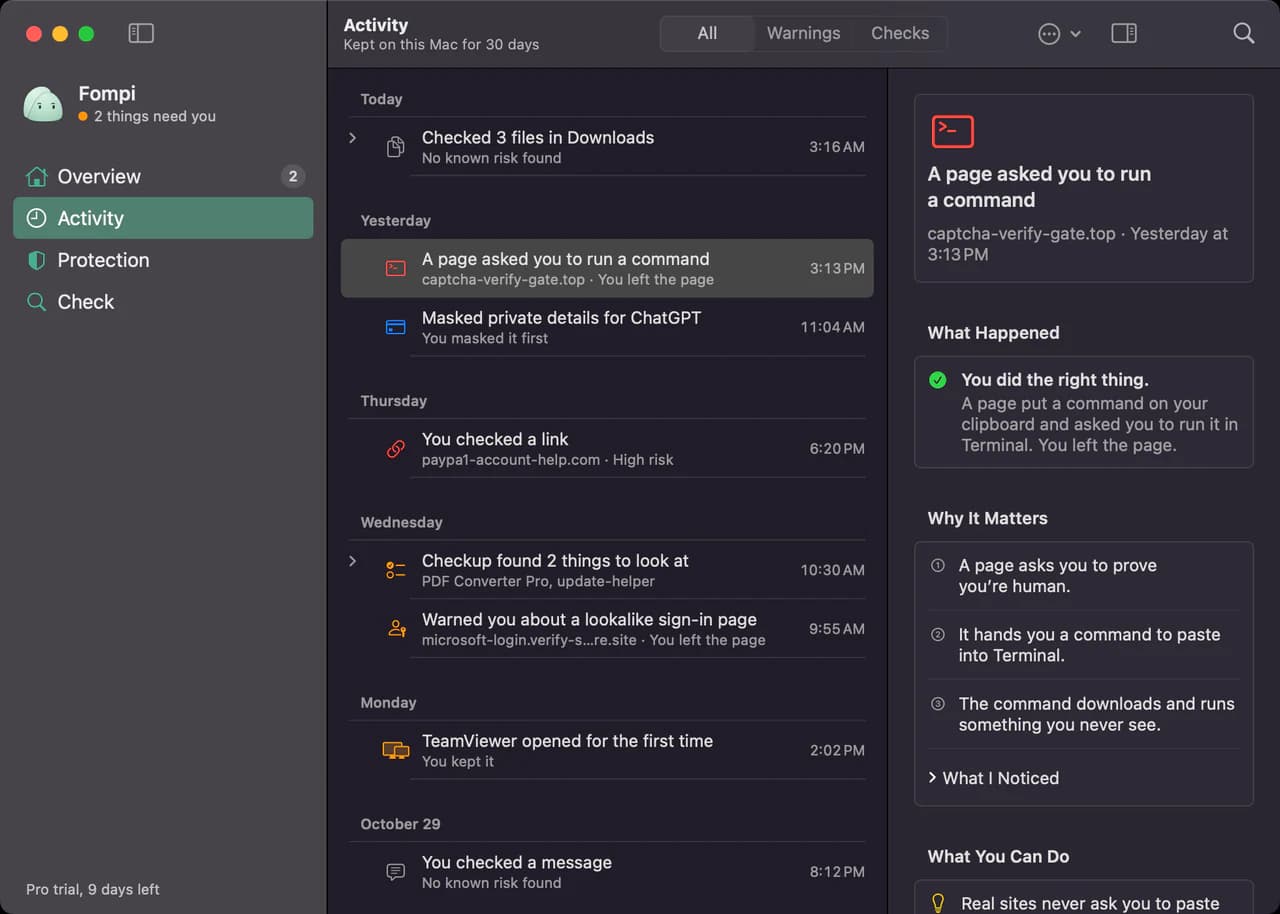
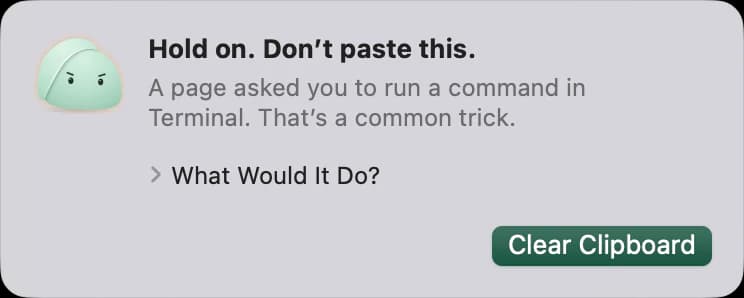
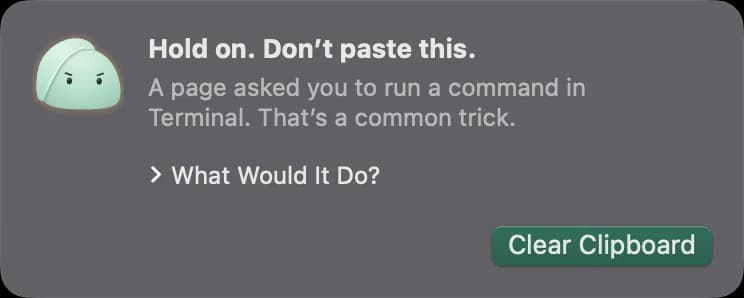
We wanted something that sits with you in the moment that matters, right before you act, says plainly that something looks off, and then gets out of the way. That is Fompi.
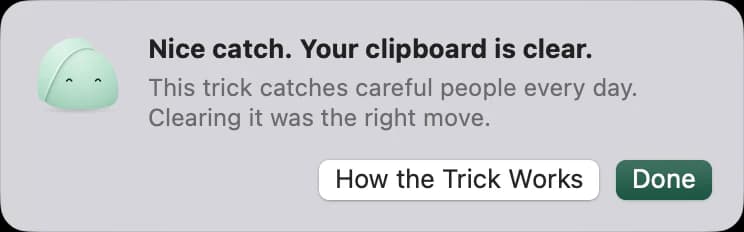
It runs on your computer
Fompi does its checks on your computer, and what it sees stays there. It doesn’t build a profile of you or train a model on your data. It watches for the handful of patterns that turn up in scam after scam, and speaks up when it sees one.
It tells you what it saw
Fompi says what it noticed and what you can do about it. It won’t call something harmless just because it looks normal, and it won’t invent alarm to seem useful.
This blog is where we write about what we’re building, how it works and why we made the choices we did.