Mac and Windows, from day one
Why Fompi comes to Mac and Windows together instead of one first, and what each one needs.
A lot of security tools launch on one platform and promise the other “soon”. We didn’t want to do that.
Why both at once
The scams Fompi is built for don’t check your operating system first. A parent on a Windows laptop is as much a target as anyone on a MacBook. Starting with one would have left half the people who need this waiting, for no better reason than our own convenience.
So Fompi comes to macOS and Windows together.
What you need
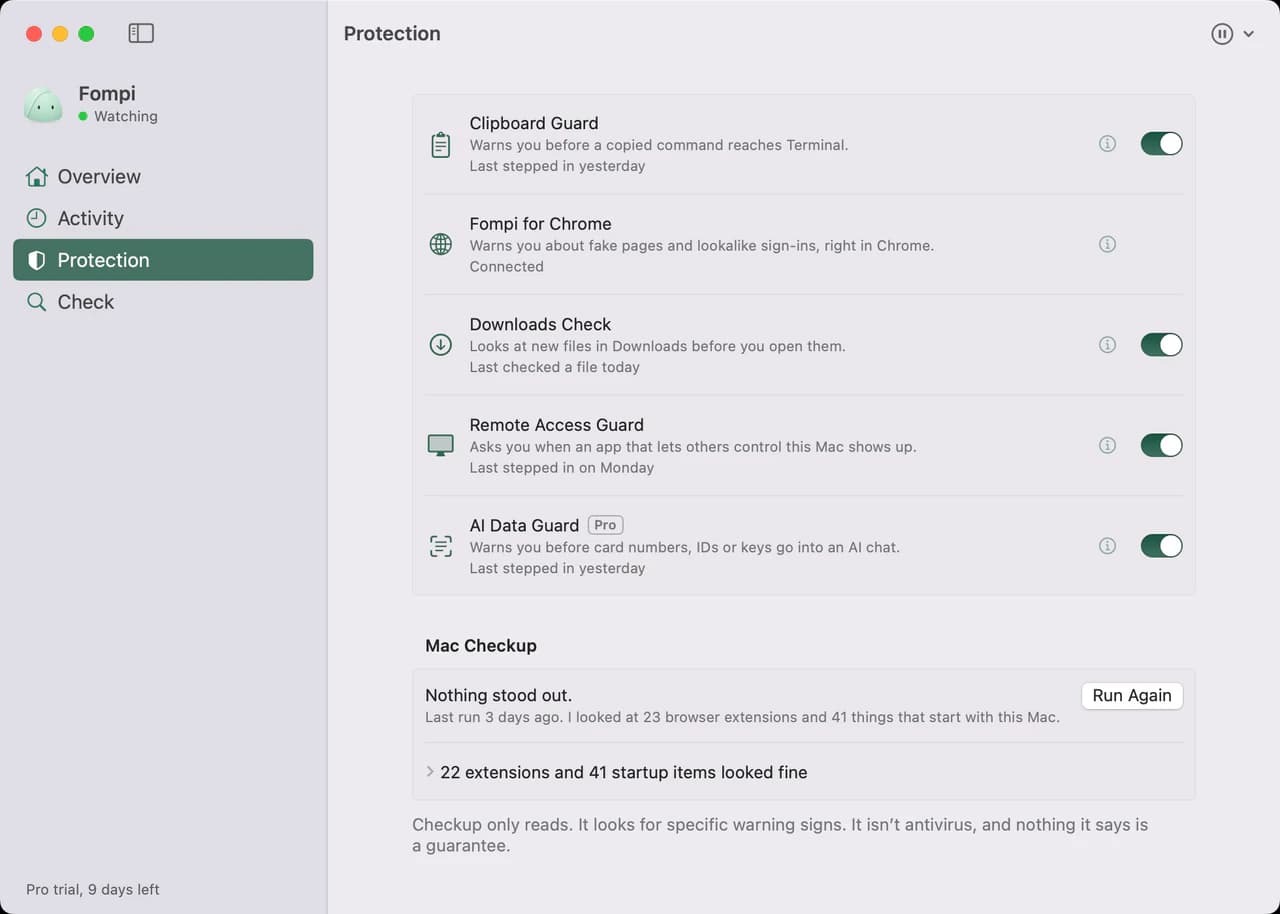
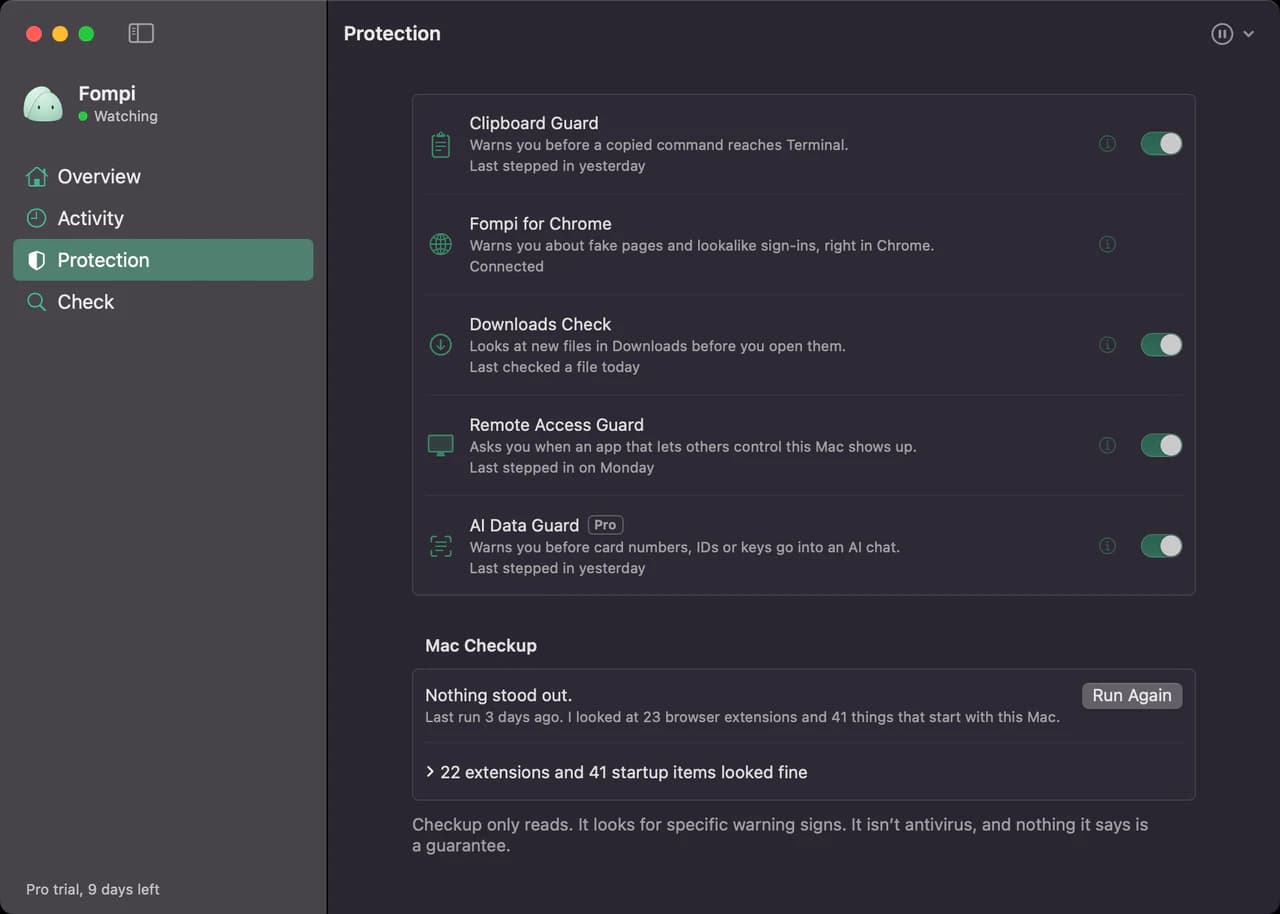
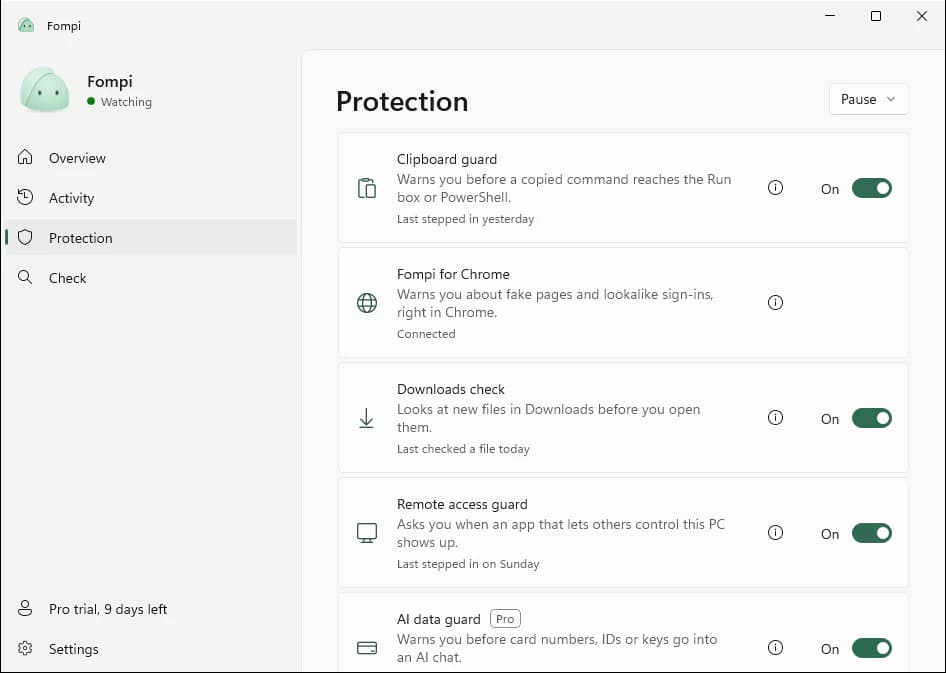
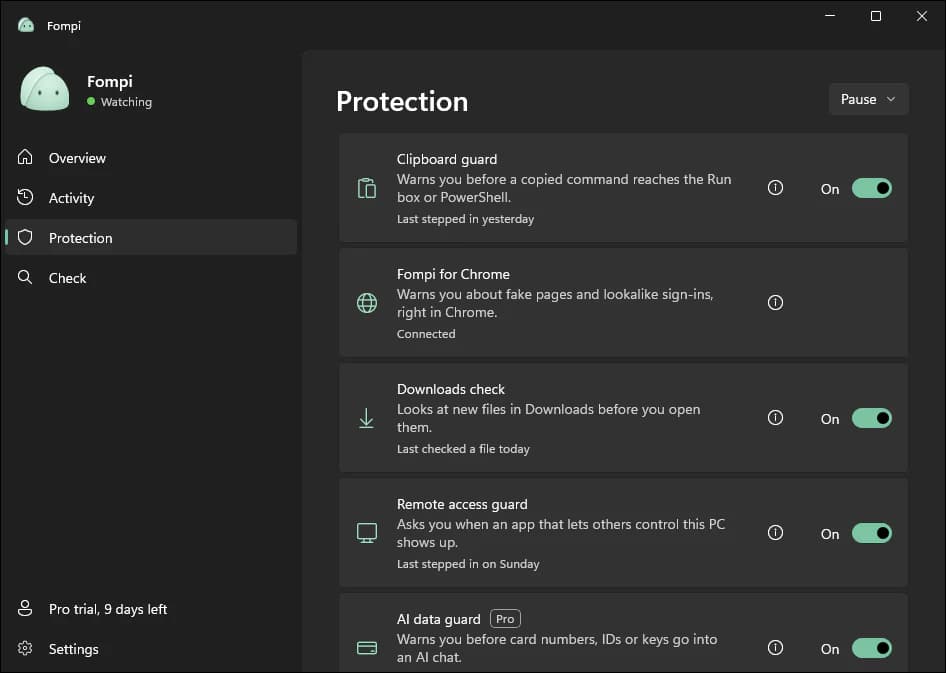
Fompi for Mac runs on macOS 14 Sonoma or later, on Apple silicon or Intel. Fompi for Windows runs on Windows 10 (version 2004 or later) or Windows 11, on x64 or Arm.
Both get the same protections and the same local-only design, and new versions come out for both at the same time. Neither is the main one with the other catching up.
What’s next
Fompi for Chrome arrives with its Chrome Web Store listing, for both. After that, what we add depends on what we hear from people using Fompi day to day, not on a roadmap written before launch.